For players
 For players
Set up your phone
For players, before your first tournament: the app on your home screen, notifications, and the tournaments on your calendar.
- 1
Put the app on your phone
Your club sends a checklist link before your first tournament; it takes about ten minutes. First, put the app on your home screen, so it opens like an app.
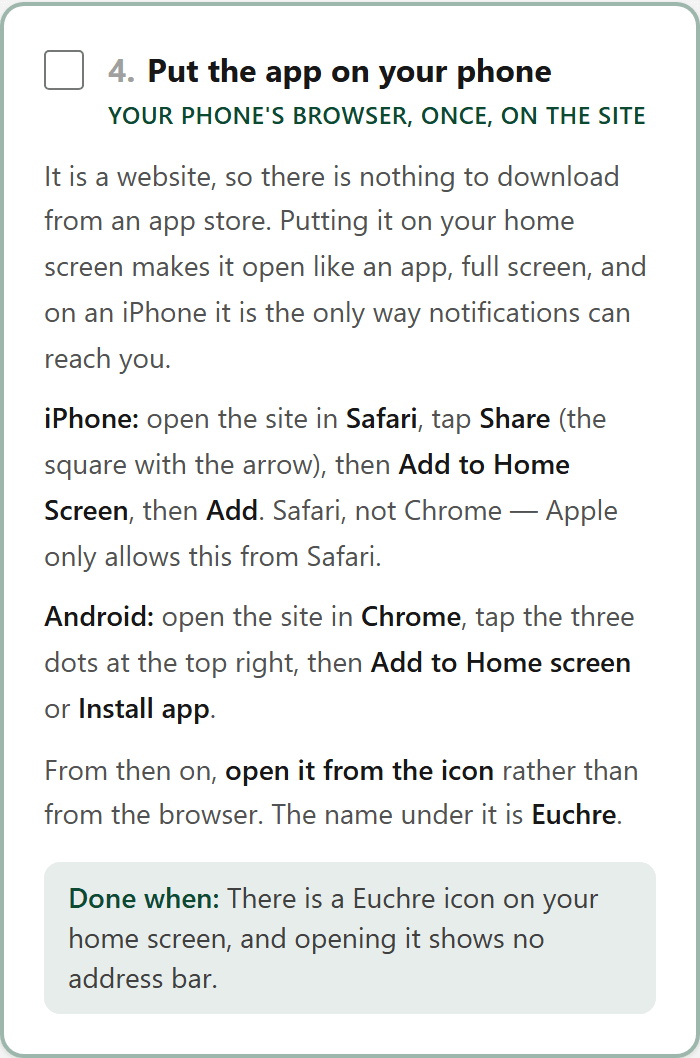
The ticks stay on your phone, so you can stop and come back.
- 2
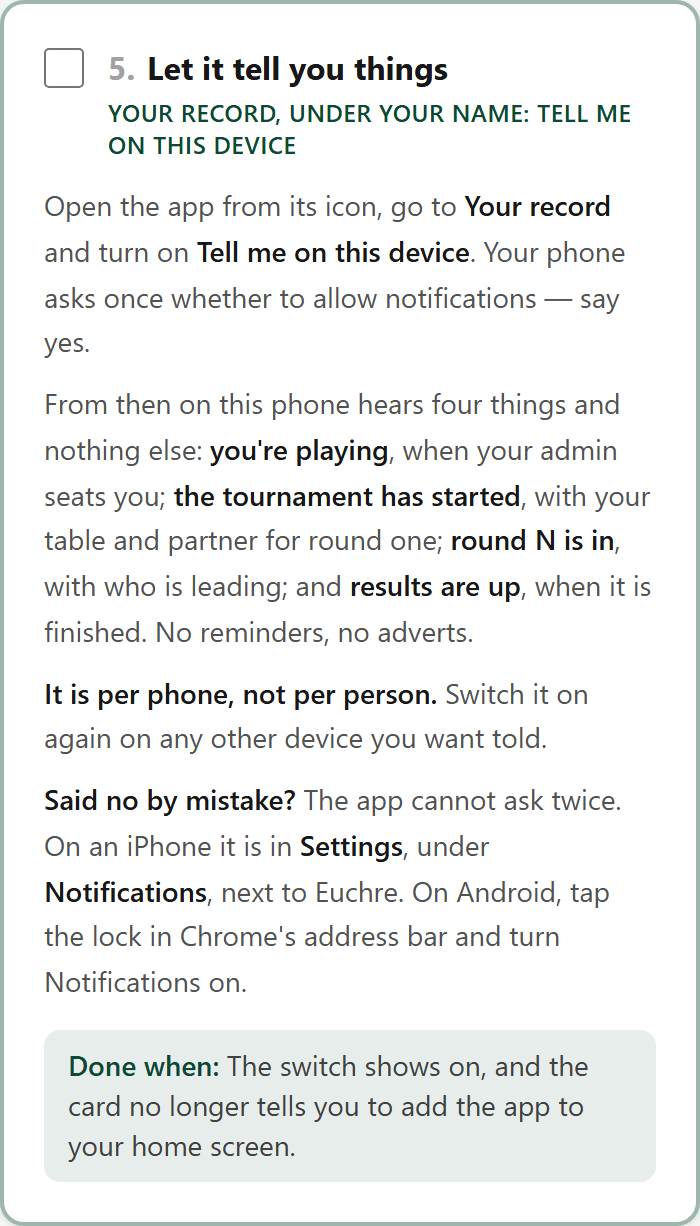
Let it tell you things
On The Club, under Calendar, texts and alerts, turn on Tell me on this device, and your phone hears when you're playing, when the tournament starts, each round, and the results.
- 3
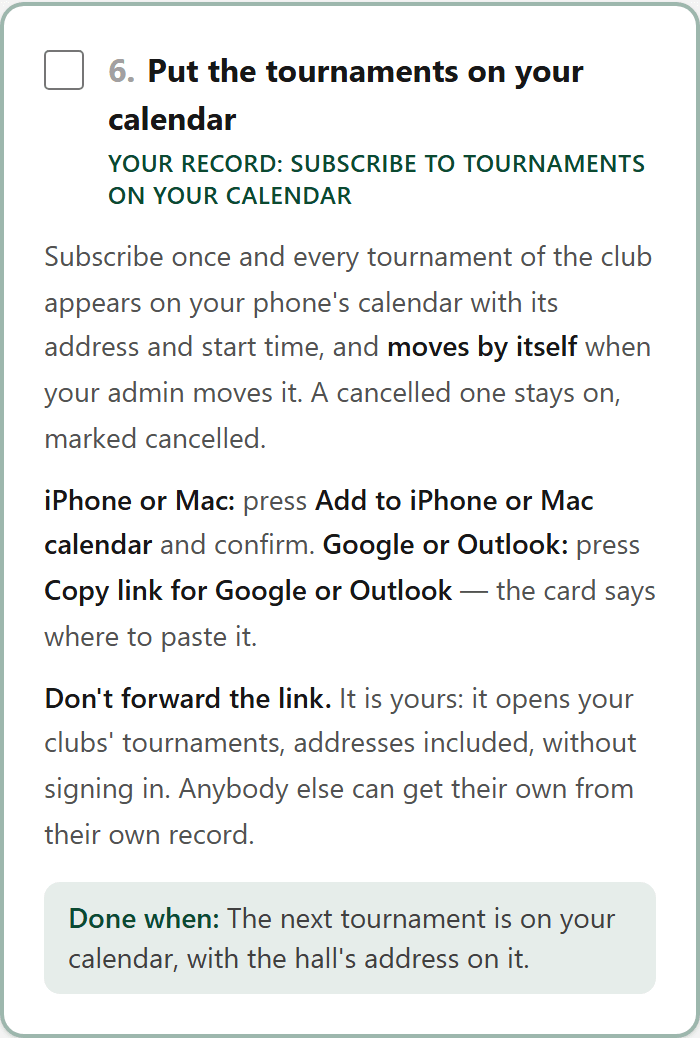
Put the tournaments on your calendar
Subscribe once from The Club, under Calendar, texts and alerts, and every tournament of the club appears on your phone's calendar, and moves by itself when your admin moves it.
That's your phone set up. Next: Playing in a tournament →